
Market prices change every week.
Rewriting 40 price signs every time you restock takes time. With electronic labels, change a price on your phone and every label updates automatically, even those at the back of the display.
Change fruit prices from your phone. Labels update automatically, with no printing or handwritten signs.
Fruit prices never stay the same.
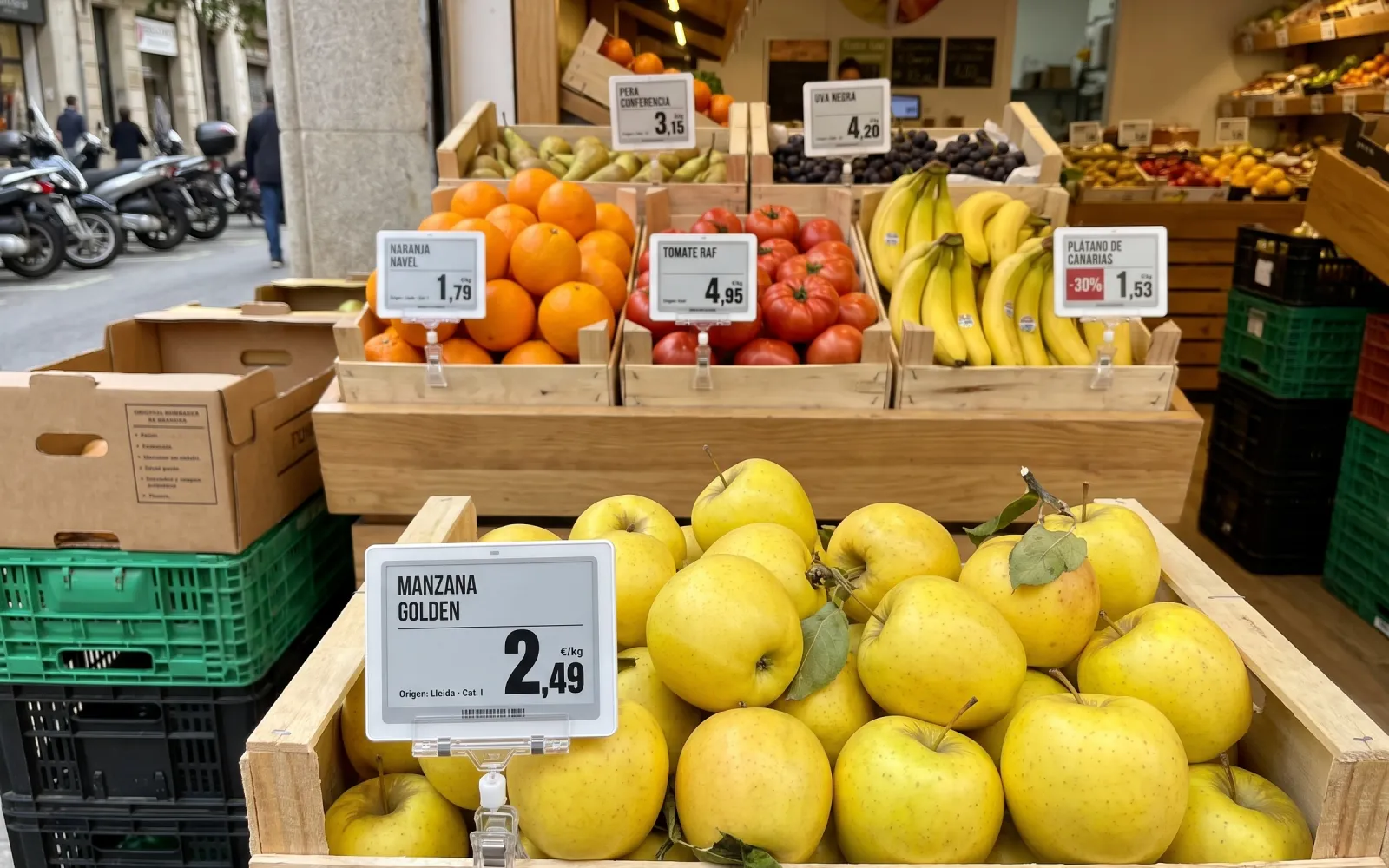
Rewriting 40 price signs every time you restock takes time. With electronic labels, change a price on your phone and every label updates automatically, even those at the back of the display.
E-paper labels stay clear and easy to read: large text, sharp prices and no ink to smudge from wet crates or handling produce.
These details are required for loose fruit, and electronic labels make them easy to display. Save them in each product record and they appear automatically, with no handwriting.
Schedule an end-of-day discount to reduce waste. The offer starts automatically at your chosen time, and the label returns to its regular price the next day.
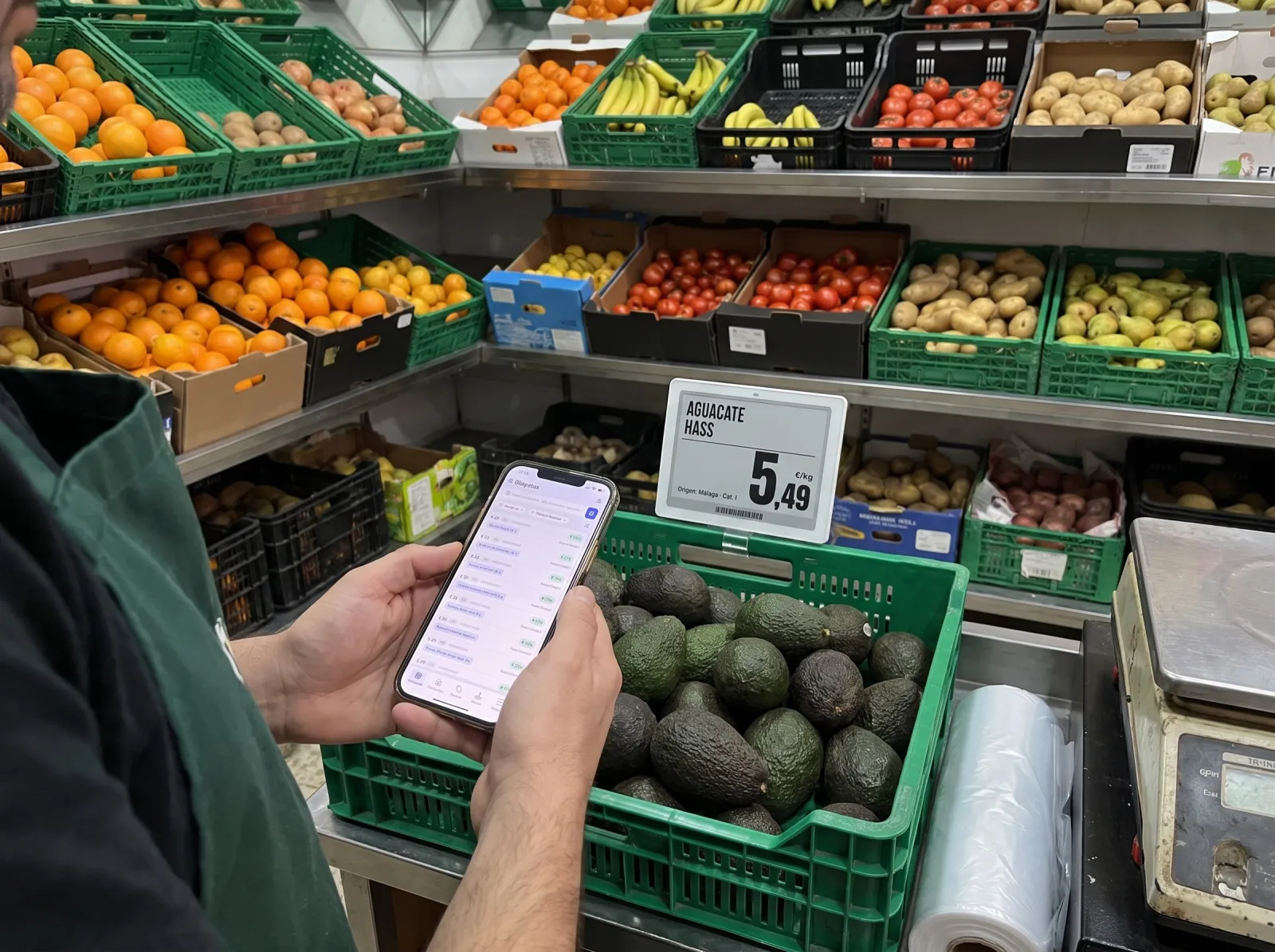
Back from the market? Open the app and update prices right beside your produce. No computer or marker pen needed.
Prefer using a computer? Import your weekly price list from a spreadsheet and update every label in your shop at once.
We register the labels to your shop. You simply connect the access point, add your products and link each label. All from your phone.
Connect it to your shop router with a cable. If there is no nearby network socket, use the Wi-Fi adapter powered by a USB charger.
We assign the labels to your shop. There is nothing for you to configure.
Add them individually from your phone, upload an Excel product list or import them from your connected POS system.
Scan the label and choose the fruit from the list. If the product has a barcode, simply scan both the label and the product.
Do it all from your phone, right beside the fruit crate.
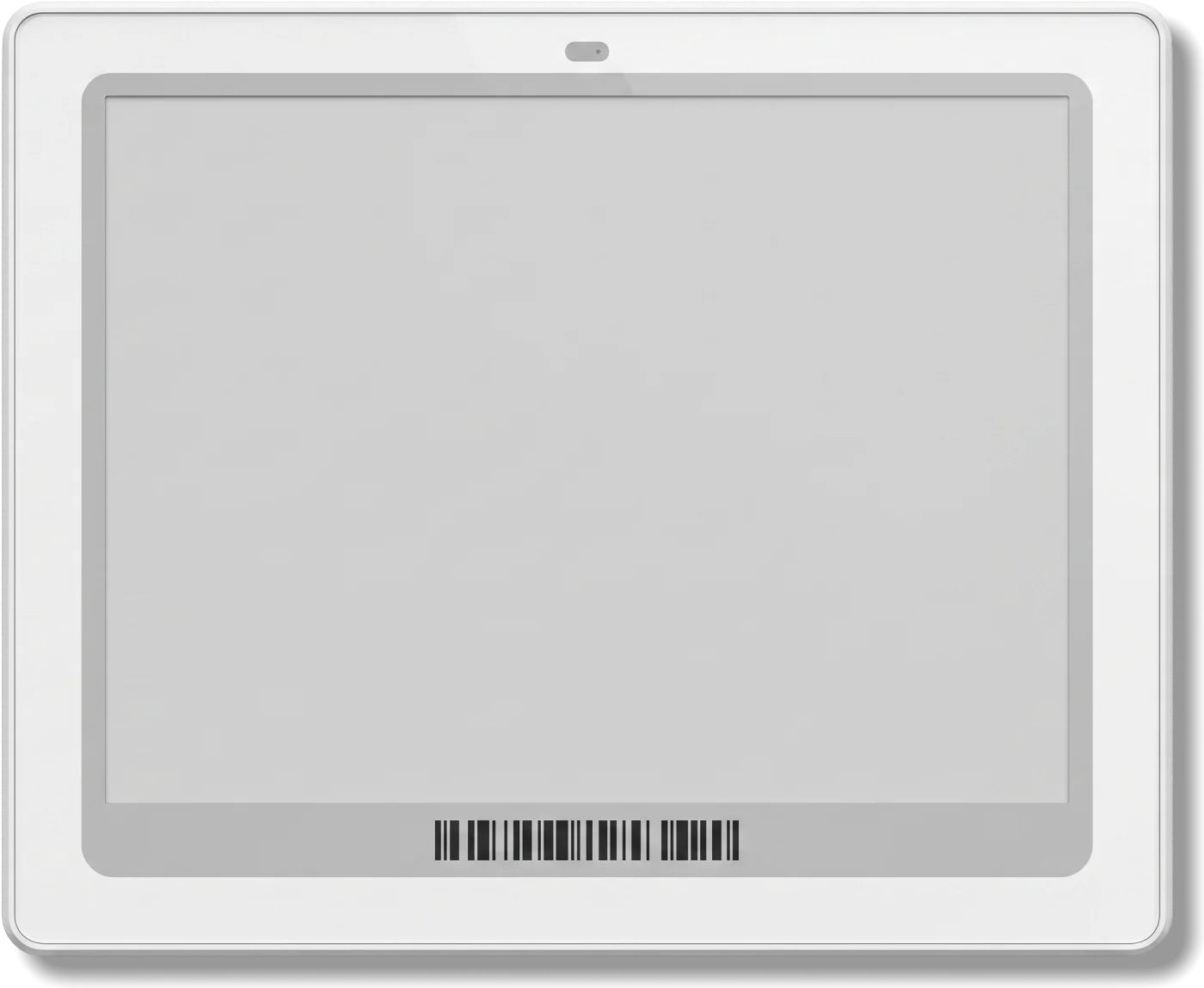
Product name, variety, origin, grade and price per kilo on e-paper that reads like print. No barcode needed for loose fruit.
Large text, readable from the aisle.
Essential loose-fruit details, with no handwriting.
The price may change often, but it is always up to date.
No cables and no constant maintenance.
Choose the product, discount, days and time slot. The offer appears on every label for that product, then returns to the regular price when the offer ends.
Smart Retail connects to your system so prices flow automatically to your labels. If you do not have one, your phone or an Excel file is all you need.
Software developed by Suncorp
Import and export
Your checkout system
Your inventory management
Your online shop
Yes. They withstand moisture from fruit and freshly washed crates, and operate between 0 and 40°C, so they also work in fruit storage rooms or near a sunny shop window. Unlike handwritten signs, e-paper does not smudge or rub off.
Yes. After visiting the market, open the app, change whichever prices you need and each label updates automatically. To update everything at once, upload an Excel file from your computer.
No. A phone and an access point are enough. A computer and Excel are optional. If you already use a POS system or software-connected scale, Smart Retail can integrate with it to update prices automatically.
No. We register the labels to your shop. Connect the access point to your router (or use the USB Wi-Fi adapter), add products individually, via Excel or from your POS, and link each label by scanning it with your phone and selecting the fruit. All from your phone.
Yes. The mobile app, web dashboard, scheduled offers and integrations are developed from scratch by Suncorp. This is not a repurposed third-party platform: it is built for the daily needs of shops like yours.
It depends on how many crates and displays you have. As a guide, a neighbourhood fruit shop can start with 40 to 60 2.9" labels and add more whenever needed.
Yes. E-paper has no backlight and reads like printed paper, even in direct light. The 4.2" label displays larger product names and prices for better visibility from a distance.
Between 3 and 5 years, depending on the manufacturer. The labels are wireless: e-paper holds the image without drawing power and only consumes energy when the content changes.
The access point connects to the internet via Ethernet, which also supplies power (PoE), or via Wi-Fi using a USB adapter when there is no nearby network socket. In that case, power it with a USB charger. It communicates with the labels via Bluetooth. Each access point covers around 200 m² and up to 300 labels, more than enough for a fruit shop.

Digitalización de Hoteles y Retail.
MADRID
BARCELONA
VALENCIA
CANARIAS
MEXICO
Copyright 2026. Suncorp Group. Todos los derechos reservados.